
Your connection to community, simplified
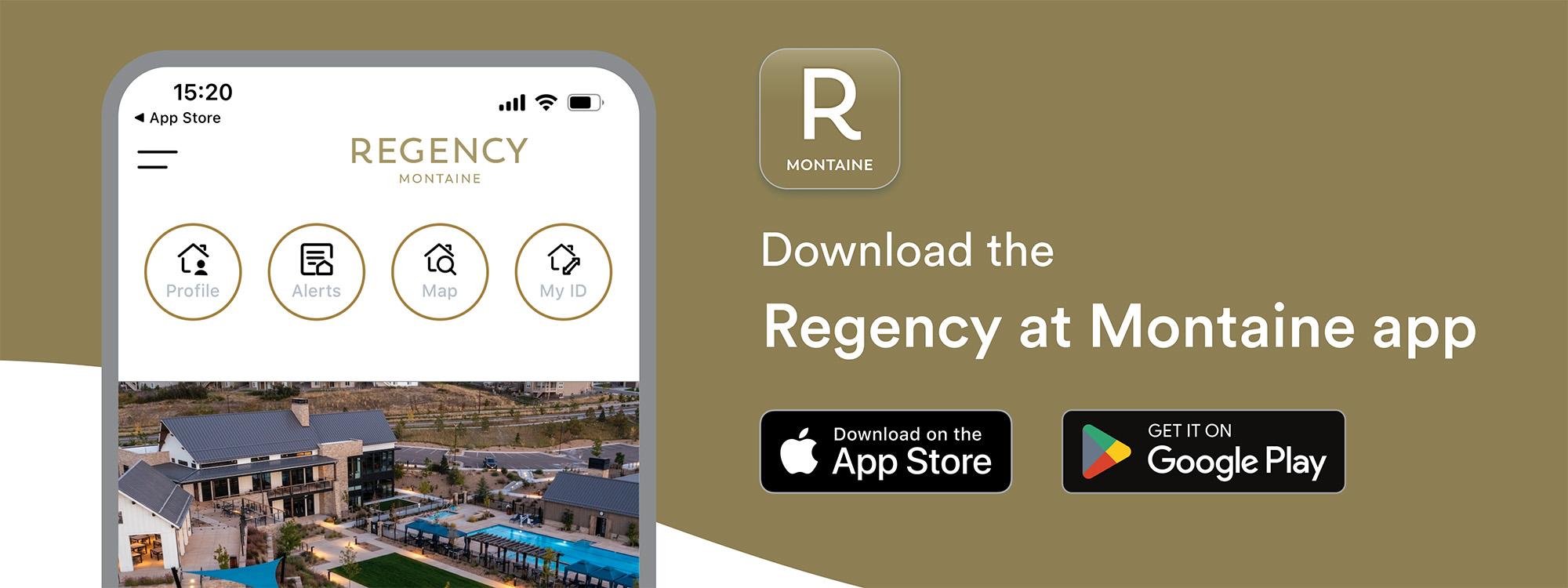
We’re excited to introduce the Regency at Montaine App — your new one-stop shop for neighborhood news, event calendars, updates from the community life team, and more. Built on the Alosant platform, this app will make staying connected with your community easier than ever.
Downloading made easy
Why an app?
Life can be busy, and staying up to date shouldn’t feel like a chore. The Regency at Montaine app offers:
- Real-Time Updates: No more waiting for email notifications — get the latest community news instantly.
- Event RSVP Made Easy: Browse our event calendar and RSVP with a tap.
- All-in-One Access: From amenities to general information, it’s all right there.
The app is designed to complement your existing tools. While the resident website remains your hub for forms, governance documents, and detailed policies, the Alosant app ensures you can stay engaged, even on the go.
How to get started
Current residents will receive an email on launch day Oct 6 inviting you to create your account. That email will include a personalized link to register and download the app. Once you follow the link and create your login, you’ll be able to access everything in just a few taps.
If you did not receive a welcome email, click “Register” on the app’s homepage. Once you create an account, we’ll approve everything on our end, and you’ll be good to go.
I'm having trouble logging in. What do I do next?
Reach out to Dana at djevarjian@coherelife.com. She can help you get access to your account, whether or not you received the welcome email.
I don't understand the app features. Now what?
Set up an appointment with your community life team member to walk you through it.
Will my resident website login work on the app?
The resident website and Regency at Montaine app require separate log ins. Even if you are already registered on the resident website, you will have to register and get approved on the app.
What if I don’t receive an email on launch day?
Check your spam folder first. If you still don’t see it, email djevarjian@coherelife.com or manderson@coherelife.com and we’ll get you set up manually.
Can I use the app on more than one device?
Yes! Just log in using the same email and password on each device.
What if I have technical issues?
Reach out directly through the app support option or email djevarjian@coherelife.com for assistance.